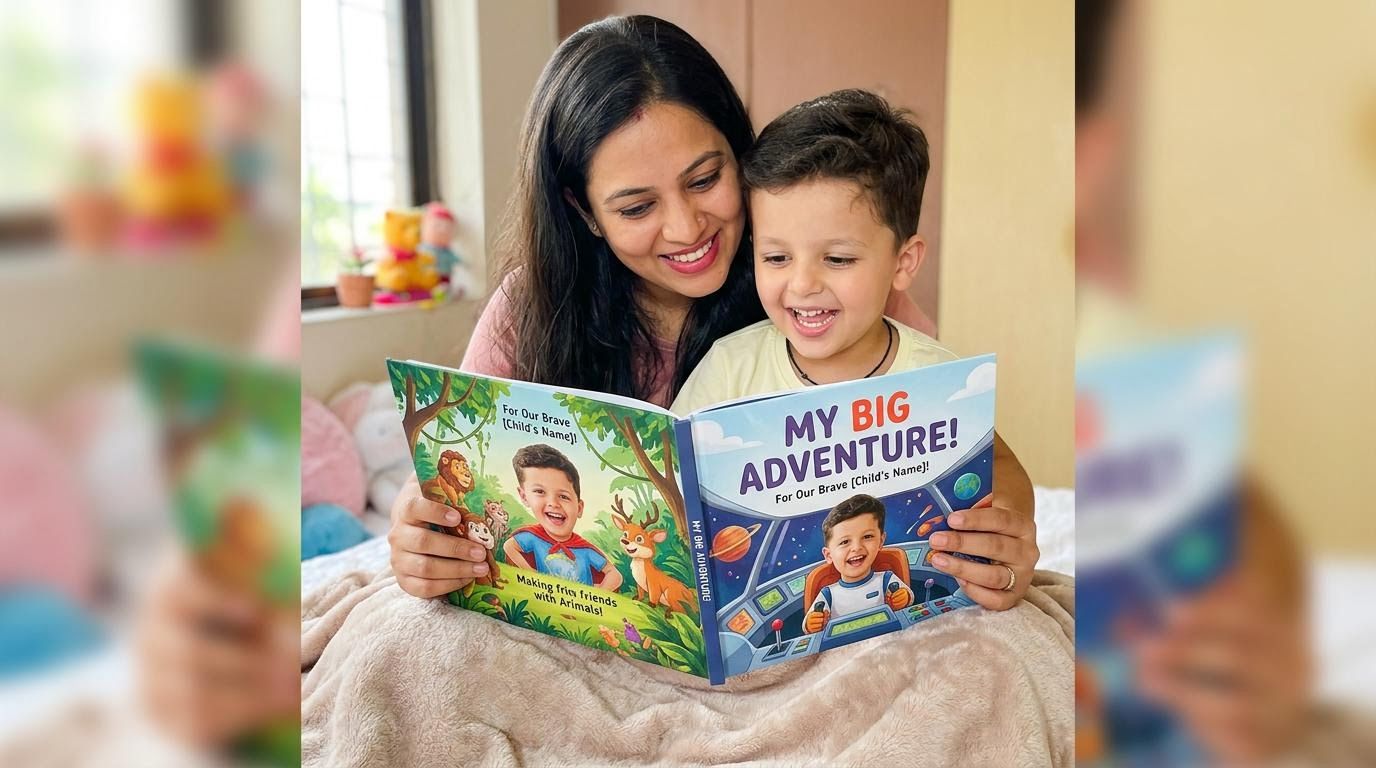
Personalized children's books are one of the fastest-growing use cases for AI face swap — specifically for cartoon, animated, and illustrated face swap models. The concept is straightforward: a parent uploads a photo of their child, and the book's illustrated characters are regenerated with the child's face as the hero. Whether the book uses anime-inspired artwork, classic comic illustration, hand-drawn cartoon style, or animated character designs — the Prospolabs cartoon model handles them all.
The result is a deeply personal product that commands premium pricing ($30–60 per book vs. $10–15 for a standard title). With the face swap API, you can build the entire image-personalization pipeline in an afternoon.
Which Art Styles Work Best
The cartoon model is designed for illustrated and stylized art. It performs well on:
- Hand-drawn illustrated characters (picture book style)
- Anime and manga-inspired artwork
- Comic book characters (superhero, graphic novel styles)
- Animated movie-style characters
- Flat vector illustration styles
Styles to test carefully before committing: highly abstract or minimal art, very small character faces relative to the page, extreme side-profile angles. The cartoon-lite model adds mask drawing for more precise face region control on complex layouts.
How It Works
A personalized book typically has 15–30 illustration pages. Each page has one or more character faces. For each character slot: call the API with the child's photo as the source face and the original illustration as the target image. The result is the same illustration with the child's face placed on the character. Batch all pages concurrently via the async endpoint, then assemble the results into a print-ready PDF.
The Order Pipeline
User uploads child's photo
  → swap page 1 immediately (confirms face is detectable, gets first result early)
  → store photo securely
  → create order record
  → submit remaining pages (async, all concurrently)
  → webhook fires per page as each completes
  → assemble all result images into PDF
  → send PDF to print-on-demand partner
  → ship to customer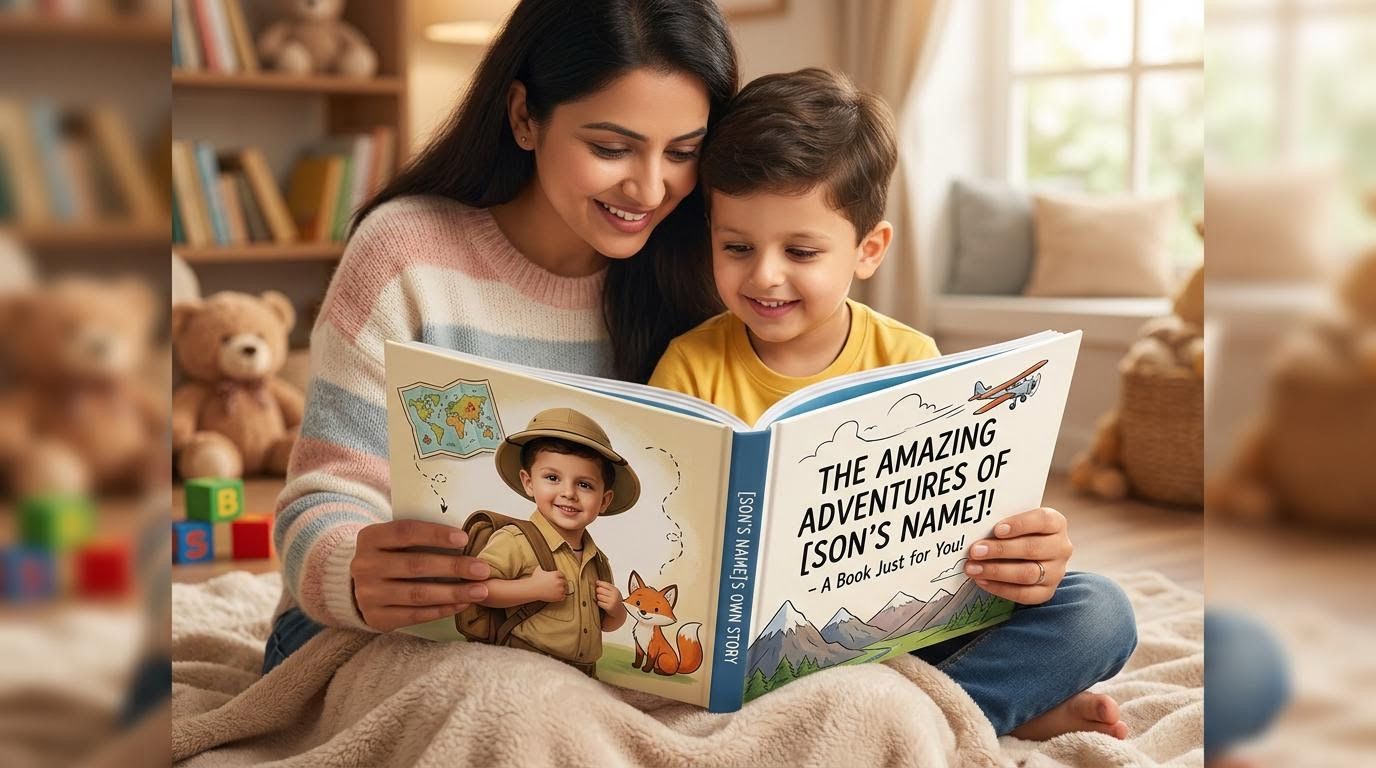
Step 1: Swap Page 1 Right After Upload
As soon as the user uploads their photo, submit the first book page to the cartoon swap API. This does two things at once: it tells you immediately whether the photo contains a detectable face, and it gets your first result back while the user is still filling out the rest of their order. If the API returns a 400 (“no face detected”), prompt a re-upload before they place the order — no credits are charged on a failed call, and you've saved yourself a failed order and a refund request.
import requests, base64

def swap_first_page(photo_path: str, page1_illustration: str):
    """Swap page 1 immediately on upload. Returns result URL, or None if no face detected."""
    def to_b64(p):
        with open(p, "rb") as f:
            return base64.b64encode(f.read()).decode()

    response = requests.post(
        "https://api.prospolabs.com/v1/swap/cartoon",
        headers={"Authorization": "Bearer " + API_KEY},
        json={
            "source_image": to_b64(photo_path),
            "target_image": to_b64(page1_illustration),
        },
        timeout=60,
    )
    if response.status_code == 400:
        return None   # no face detected — ask user to re-upload
    response.raise_for_status()
    return response.json()["result_url"]
Step 2: Batch the Remaining Pages Concurrently (Python)
With page 1 already in flight, submit the rest of the book concurrently. Doing pages one at a time takes 15–30 seconds each — a 20-page book would take 5–10 minutes serially. Instead, fire all remaining jobs at once and collect results as they finish. Here's a complete async implementation using aiohttp:
import asyncio, aiohttp, base64

API_KEY = "prsp-your-api-key"
BASE_URL = "https://api.prospolabs.com"

async def submit_page(session, source_b64, page_path, page_num):
    with open(page_path, "rb") as f:
        target_b64 = base64.b64encode(f.read()).decode()

    async with session.post(
        f"{BASE_URL}/v1/swap/cartoon/async",
        headers={
            "Authorization": f"Bearer {API_KEY}",
            "Content-Type": "application/json",
        },
        json={"source_image": source_b64, "target_image": target_b64},
    ) as resp:
        data = await resp.json()
        return page_num, data["request_id"]

async def poll_job(session, request_id, page_num, retries=40):
    for _ in range(retries):
        await asyncio.sleep(3)
        async with session.get(
            f"{BASE_URL}/v1/jobs/{request_id}",
            headers={"Authorization": f"Bearer {API_KEY}"},
        ) as resp:
            data = await resp.json()
            if data["status"] == "completed":
                return page_num, data["result_url"]
    raise TimeoutError(f"Page {page_num} did not complete in time")

async def generate_book(child_photo: str, pages: list[str]) -> list[str]:
    with open(child_photo, "rb") as f:
        source_b64 = base64.b64encode(f.read()).decode()

    async with aiohttp.ClientSession() as session:
        # Submit all pages at once
        jobs = await asyncio.gather(*[
            submit_page(session, source_b64, page, i)
            for i, page in enumerate(pages)
        ])

        # Poll all jobs concurrently
        results = await asyncio.gather(*[
            poll_job(session, req_id, page_num)
            for page_num, req_id in jobs
        ])

    # Return result URLs sorted by page number
    return [url for _, url in sorted(results)]

# Run it
result_urls = asyncio.run(generate_book(
    "child_photo.jpg",
    [f"page_{i:02d}.jpg" for i in range(1, 21)],  # 20-page book
))
print(f"Generated {len(result_urls)} pages")
Step 3: Webhook vs Polling
The polling approach above works, but for production you should use webhooks instead. Add a webhook_url to each job submission. Your server receives a POST callback as each page completes — no polling loop needed. When all N pages have called back, trigger the PDF assembly step. This is cleaner for long-running orders and avoids keeping connections open.
Quality Tips
- Source photo: Minimum 500×500px. Clear frontal face, well-lit, neutral expression. Smiling works fine; closed eyes or extreme expressions do not.
- Target illustration: Avoid small character faces, heavy occlusion (hats, hair across the face), or extreme side-profile angles.
- Multiple characters per page: Call the API separately per character slot. Pass the child's face as source for each character you want to swap.
- Tuning style: For anime and animated styles, experiment with the
cartoon_strengthparameter. For comic book styles, trycartoon-litewith a mask for more precise placement.
Print-on-Demand Integration
Once all pages are processed, assemble the result images into a print-ready PDF using a library like ReportLab or WeasyPrint (Python), or Sharp + PDFKit (Node.js). Submit the PDF to a print partner — Lulu, Blurb, or Printify all have REST APIs. Prospolabs handles the face swap; your print partner handles manufacturing and shipping.
Cost Breakdown
| Item | Cost |
|---|---|
| Face swap API — 20 pages × $0.05 | $1.00 per book |
| Print + shipping (Lulu/Blurb estimated) | $8–12 per book |
| Platform overhead (hosting, storage) | ~$0.50 per book |
| Total COGS (20-page book) | ~$9.50–13.50 |
| Typical retail price | $35–60 |
At these numbers, the API cost is under 3% of your retail price — even before bulk credit pricing kicks in. For high-volume sellers, get in touch for enterprise rates.