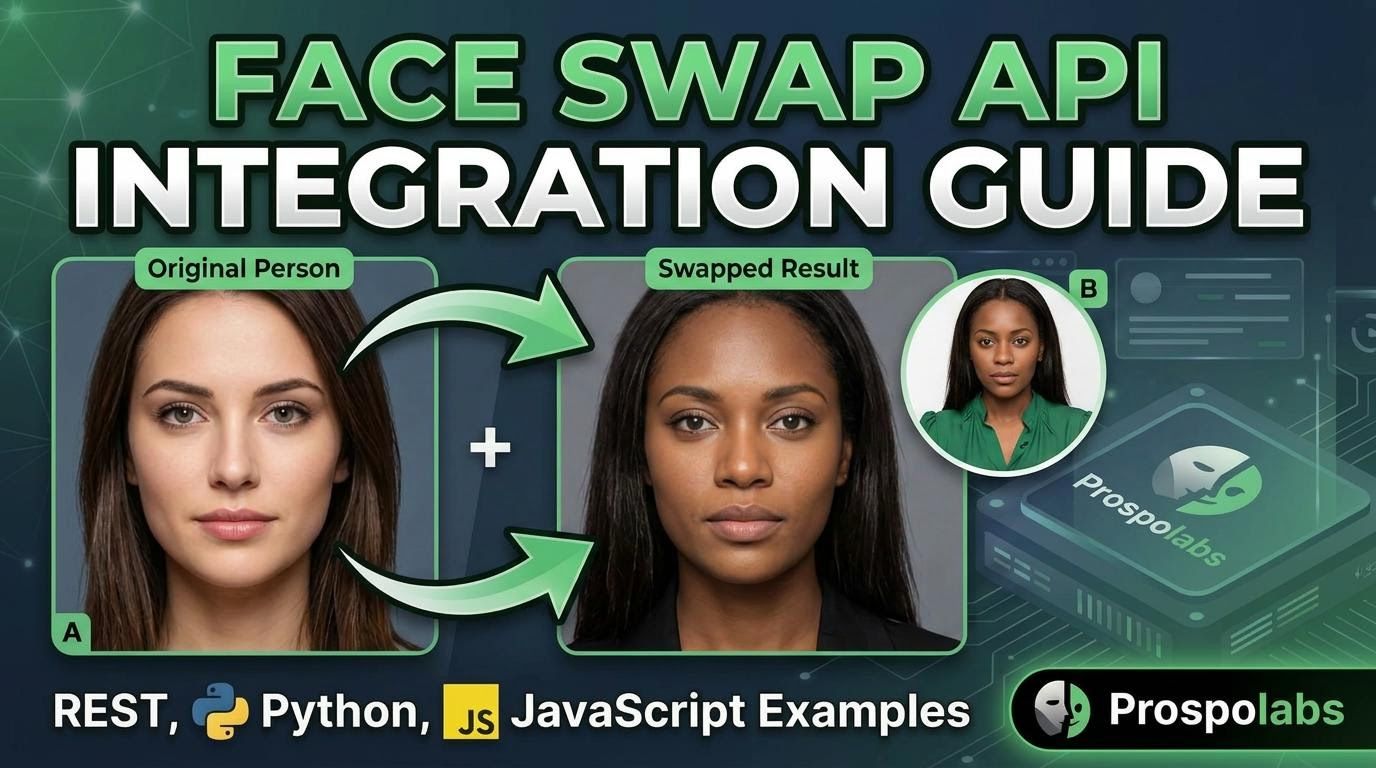
So you want to add face swap to your app — maybe you're building a personalized children's book platform, an anime avatar generator, or a campaign tool where users drop their face into a branded scene. Whatever the use case, you don't need to train models or manage GPU infrastructure. You call an API, pass two images, and get a result back. This guide walks you through the Prospolabs Face Swap API from your very first request to production-ready code.
There are four models to choose from: realistic for photorealistic output, cartoon for anime, comic, and illustrated styles, fast for results in 5–10 seconds, and cartoon-lite for comic and illustration styles where you need mask-level control over exactly which part of the character gets swapped. Pricing starts at $0.025 per swap, and new accounts get 3 free swaps with no credit card required.
1. Get Your API Key
Sign up at prospolabs.com, then go to your Dashboard and open the API Keys tab. Generate a new key — it will look like prsp-xxxxxxxxxxxxxxxx. Store it in an environment variable and never expose it in client-side code.
# Add to your .env file
PROSPOLABS_API_KEY=prsp-your-api-key
2. Your First Request (cURL)
Every request requires a Authorization: Bearer header and two base64-encoded images: the source face (the face you want to use) and the target image (where you want to place that face).
curl -X POST https://api.prospolabs.com/v1/swap/realistic \
  -H "Authorization: Bearer prsp-your-api-key" \
  -H "Content-Type: application/json" \
  -d '{
    "source_image": "base64_encoded_source...",
    "target_image": "base64_encoded_target...",
    "output_format": "jpeg",
    "output_quality": 95
  }'
The response looks like this:
{
  "request_id": "a1b2c3d4-e5f6-7890-abcd-ef1234567890",
  "status": "completed",
  "model": "realistic",
  "result_url": "https://storage.prospolabs.com/results/a1b2c3d4.jpeg?token=...",
  "inference_time": 18.4
}
Download the result_url within 24 hours — result files expire after that.
3. Python Integration
Python is the most common starting point for people integrating the API. The snippet below wraps everything into a reusable face_swap() function — pass any two image paths and a model name, get back a result URL. You'll need the requests library if you don't have it: pip install requests.
import requests
import base64
import os

API_KEY = os.environ["PROSPOLABS_API_KEY"]
BASE_URL = "https://api.prospolabs.com"

def to_base64(path: str) -> str:
    with open(path, "rb") as f:
        return base64.b64encode(f.read()).decode("utf-8")

def face_swap(source_path: str, target_path: str, model: str = "realistic") -> str:
    response = requests.post(
        f"{BASE_URL}/v1/swap/{model}",
        headers={
            "Authorization": f"Bearer {API_KEY}",
            "Content-Type": "application/json",
        },
        json={
            "source_image": to_base64(source_path),
            "target_image": to_base64(target_path),
            "output_format": "jpeg",
            "output_quality": 95,
        },
        timeout=120,
    )
    response.raise_for_status()
    data = response.json()
    return data["result_url"]

# Realistic swap
url = face_swap("my_face.jpg", "target.jpg", model="realistic")
print("Result:", url)

# Cartoon / anime / comic style swap
url = face_swap("my_face.jpg", "anime_character.jpg", model="cartoon")
print("Cartoon result:", url)
4. JavaScript / Node.js Integration
If you're on Node.js, fetch is built-in from v18 onwards — no extra dependencies needed. The pattern is the same: read both files, base64-encode them, POST to the API.
import fs from "fs";

const API_KEY = process.env.PROSPOLABS_API_KEY;
const BASE_URL = "https://api.prospolabs.com";

function toBase64(path) {
  return fs.readFileSync(path).toString("base64");
}

async function faceSwap(sourcePath, targetPath, model = "realistic") {
  const response = await fetch(BASE_URL + "/v1/swap/" + model, {
    method: "POST",
    headers: {
      "Authorization": "Bearer " + API_KEY,
      "Content-Type": "application/json",
    },
    body: JSON.stringify({
      source_image: toBase64(sourcePath),
      target_image: toBase64(targetPath),
      output_format: "jpeg",
      output_quality: 95,
    }),
  });

  if (!response.ok) {
    const err = await response.json();
    throw new Error(err.detail || "Face swap failed");
  }

  const data = await response.json();
  return data.result_url;
}

// Usage
const url = await faceSwap("my_face.jpg", "target.jpg", "realistic");
console.log("Result URL:", url);
5. Sync vs Async Endpoints
The default endpoint (POST /v1/swap/{model}) blocks until processing completes — up to 120 seconds. This is the simplest approach for low-volume use cases.
For high-throughput apps (e.g. generating a 20-page children's book), use the async endpoint: POST /v1/swap/{model}/async. It returns immediately with a request_id, then you poll GET /v1/jobs/{request_id} for the result. If you've registered a webhook endpoint in your dashboard, it will also fire automatically when the job completes — no polling needed.
6. Choosing a Model
| Model | Output Style | Speed | Price | Best For |
|---|---|---|---|---|
| realistic | Photorealistic | 15–30s | $0.05 | Portraits, virtual try-on, film |
| cartoon | Anime, comic, illustrated, animated | 15–30s | $0.05 | Children's books, anime avatars, comics |
| fast | Realistic (lower fidelity) | 5–10s | $0.025 | Real-time apps, campaign microsites |
| cartoon-lite | Comic & illustration + mask control | 15–30s | $0.05 | Precise character face placement |
7. Error Handling
The API uses standard HTTP status codes. Handle them explicitly:
- 400 — Bad request: invalid image format, no face detected, image too large (>10 MB). Show the
detailfield to the user. - 401 — Missing or invalid API key.
- 403 — Insufficient credits.
- 429 — Rate limit exceeded. Check
X-RateLimit-Resetheader and retry after. - 500 / 504 — Server error (credits auto-refunded). Retry with exponential backoff.
try:
    url = face_swap("source.jpg", "target.jpg")
except requests.HTTPError as e:
    status = e.response.status_code
    detail = e.response.json().get("detail", "Unknown error")
    if status == 400:
        print(f"Bad input: {detail}")   # show to user
    elif status == 403:
        print("Out of credits — please top up")
    elif status == 429:
        print("Rate limit hit — slow down")
    else:
        print(f"Server error ({status}): retrying...")
8. Production Tips
A few things that trip people up when moving from a working prototype to a live app:
- Validate image size on the client before uploading. Reject files over 10 MB before making the API call.
- Cache
result_urlon your side. Don't re-swap the same image pair — store the result and reuse it. - For batch jobs (e.g. generating all pages of a book), use the async endpoint and submit all jobs concurrently, then collect results via polling or webhook.
- Use exponential backoff on 5xx errors: wait 1s, then 2s, then 4s before giving up.
- For cartoon/anime style swaps, ensure the target image clearly shows the character's face — avoid heavy occlusion (hats, hair over the face) or extreme side angles.