You can turn the listing photos you already have into smooth, cinematic walkthrough videos using Seedance 2.0's image-to-video mode on Prospolabs — no camera rig, no videographer, no reshoot. Feed in an interior still, describe the camera move, and you get a steady dolly or pan clip with ambient room tone in a single generation.
From a flat listing photo to a moving walkthrough
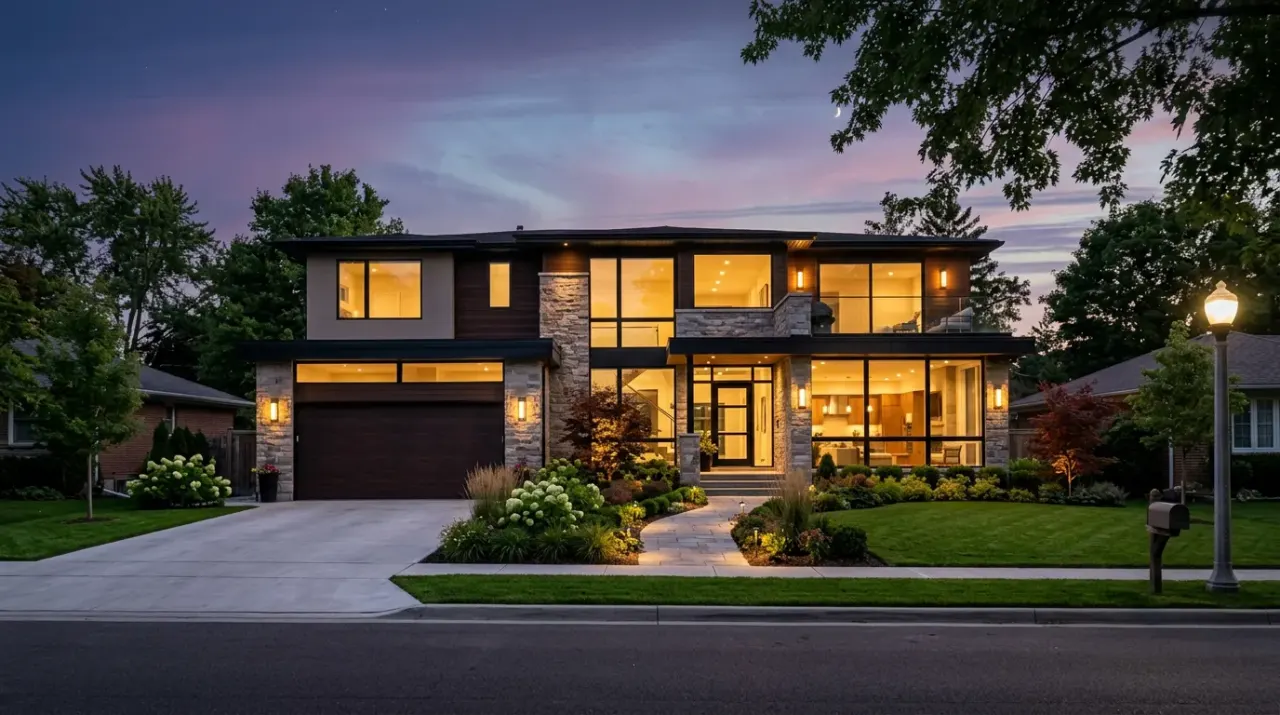
Every listing already ships with a folder of stills: the bright open-plan living room, the kitchen island, the primary suite, the twilight exterior. Those photos do the work of representing the property, but they sit still while the buyer scrolls past. Image-to-video closes that gap. Seedance 2.0 takes one of your existing stills as the start frame and generates the in-between motion — a slow forward dolly toward the windows, a gentle pan across the kitchen, a rising approach on the facade — so the room reads the way it feels when you actually walk into it.
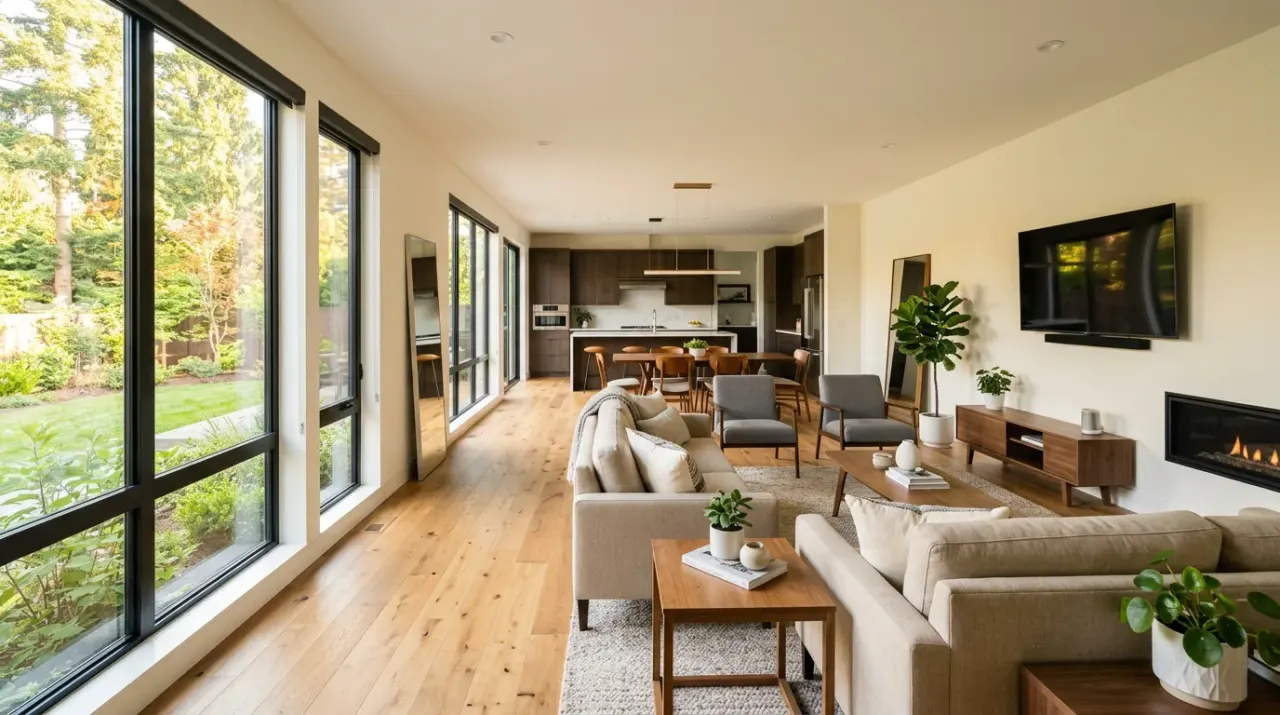
Because the model is conditioned on your real photo, the geometry, finishes and lighting stay faithful to the actual space — you are animating the room you shot, not inventing a new one. You can optionally supply an end frame too, so a clip can begin on one composition and settle on another (start at the doorway, end framed on the view). Seedance also generates native ambient audio, so the walkthrough carries a soft room tone instead of dead silence, which is what makes a clip feel like a tour rather than a slideshow.
How to make a walkthrough clip on Prospolabs
The workflow is short enough to run between showings:
- Pick your strongest interior or exterior still — a wide, well-lit composition gives the camera room to move.
- Open Seedance 2.0 for walkthroughs and choose image-to-video, then upload the photo as your start frame.
- Describe the camera move in plain language: "slow forward dolly toward the windows," "gentle left-to-right pan across the kitchen," or "steady rising approach on the facade."
- Set duration (4 to 15 seconds) and resolution (up to 1080p). Six to eight seconds is plenty for a single room.
- Generate. The job runs async; when it finishes you get an output URL that stays valid for seven days, ready to download and post.
Keep camera instructions simple and singular — one clean move per clip beats a busy, swooping path that can warp straight architectural lines. String several single-move clips together in your editor for a full tour. For first drafts and quick A/B tests, run Seedance 2.0 Fast for quick listings; switch to the standard model for the hero clip that leads your listing.
What each clip actually costs
Prospolabs bills per second of generated video in plain USD — no tokens, no seats, no monthly minimum. You top up from $5 and draw down per generation, and the same price applies whether you generate in the UI or over the API. Audio is included at no extra charge, and any failed run is refunded automatically.
Seedance 2.0 standard runs $0.09/sec at 480p, $0.18/sec at 720p, and $0.41/sec at 1080p (retail rates without the Prospolabs discount would be $0.15, $0.30 and $0.683). Seedance 2.0 Fast runs $0.07/sec at 480p and $0.15/sec at 720p (retail $0.117 and $0.25). So an eight-second 720p hero walkthrough on the standard model costs about $1.44; the same clip on Fast is roughly $1.20; a polished eight-second 1080p clip is about $3.28. A four-second 480p draft to test a camera move is around $0.36 on standard or $0.28 on Fast.
See the full table on the pricing page, or check how Seedance stacks up against other video models on the model comparison.
Why motion listings are worth the effort
Video listings hold attention longer than a photo carousel and travel further in feeds that reward motion. A walkthrough communicates flow and scale — how the kitchen opens onto the living room, how light moves through the space — in a way a grid of stills cannot. For agents, the practical win is cadence: when a property video costs roughly a dollar and a few minutes instead of a half-day shoot, you can produce a clip for every active listing, refresh stale ones, and post short cuts to social on a schedule. Consistency across your inventory starts to look like a signature.
Tips for realtors and agencies
- Lead with the twilight exterior as a slow approach shot — it sets a premium tone before the buyer steps inside.
- Match the camera move to the room: dolly forward in long open spaces, pan in wide rooms, gentle tilt-up to show ceiling height.
- Keep clips short. Six to eight seconds per room edits cleanly into a 45–60 second tour without dragging.
- Draft on Seedance 2.0 Fast at 480p to lock the move, then re-run the keeper at 720p or 1080p on the standard model.
- Batch a whole listing in one sitting — same lighting decisions, same pacing — so your videos feel like a series, not one-offs.
- Generating at scale across an agency? Drive it through the API with model id "seedance-2" and the same per-second pricing you see in the UI.
Want to see the rest of the lineup before you commit? Explore the model lineup to compare Seedance with the other frontier video and image models on Prospolabs.
Frequently asked questions
Yes. Seedance 2.0's image-to-video mode on Prospolabs uses your listing still as the start frame and generates the camera motion around it — a dolly, pan or approach shot — while keeping the room's geometry, finishes and lighting faithful to the original photo. You can optionally add an end frame to control where the move settles.
You pay per second in USD. On Seedance 2.0 standard that's $0.09/sec at 480p, $0.18/sec at 720p and $0.41/sec at 1080p. An eight-second 720p walkthrough is about $1.44; the same on Seedance 2.0 Fast (480p $0.07/sec, 720p $0.15/sec) is around $1.20. Audio is included and failed runs are refunded automatically.
Yes. Seedance 2.0 generates native ambient audio with every clip, so your walkthrough carries a soft room tone instead of silence — at no extra cost beyond the per-second video price.
Clips run from 4 to 15 seconds at up to 1080p. For room-by-room walkthroughs, six to eight seconds per clip works well; you stitch them together in your own editor for a full tour.
Use Seedance 2.0 Fast to draft camera moves cheaply and run quick A/B tests, then switch to standard Seedance 2.0 for the hero clip that leads your listing. Both share the same image-to-video workflow and transparent per-second pricing on Prospolabs.
Yes. Prospolabs exposes a POST /v1/generate endpoint with model id "seedance-2" (or "seedance-2-fast"). Jobs run async and return an output URL valid for seven days. The API and the UI use exactly the same per-second prices, so an agency can batch-produce clips programmatically without a different rate.
related on Prospolabs